

CRM
e.g. amoCRM, Bitrix24
Typically leads, deals, contacts and statuses. We check the API methods for deals and webhooks for stage changes.
Mobile apps
Service overviewCRM, ERP and internal systems
Service overviewAI and automation
Service overviewIntegrations and API
Service overviewSupport and development
Service overviewRelated cases
All casesSupport cases are on the way. In the meantime, see the projects we maintain after launch.
See all projects
Systems integration
This page answers the key question before any project starts: can your specific systems be connected, what data will flow between them, and what needs checking upfront. The exchange method (API, webhooks or files) is chosen based on what your systems actually support.
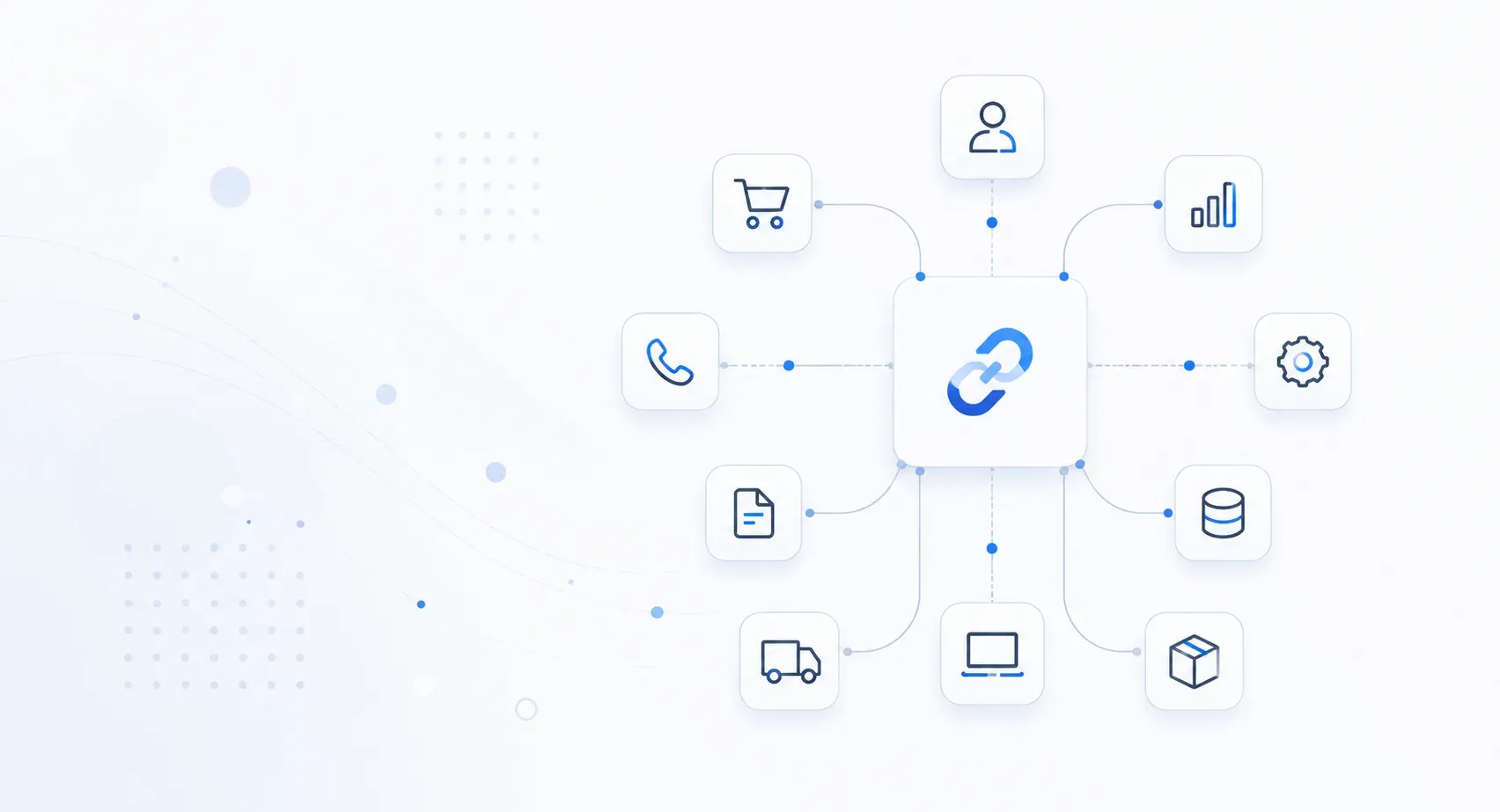
Integration means an order, customer, stock level or payment appears in every system that needs it, without manual re-entry. Whether two specific systems can be connected depends not on their names but on technical conditions: whether an API exists, what the documentation covers, what access is available and what limits your version has. That is why we verify compatibility before the project starts instead of promising universal support.
The names in the cards are examples of categories, not a list of supported products. Whether a connection is possible depends on the API, documentation, access and limitations of your specific system version: we verify this in an audit before work begins.
e.g. amoCRM, Bitrix24
Typically leads, deals, contacts and statuses. We check the API methods for deals and webhooks for stage changes.
e.g. Odoo, industry-specific ERPs
Orders, catalog items, stock, settlements. We check which objects the specific configuration exposes through its API.
accounting and trade configurations
Documents, reference data, stock levels. Exchange capabilities depend on the configuration and platform version.
online bookkeeping and accounting services
Payments, invoices, acceptance documents. We check how the system accepts data: through an API or file exchange.
WMS and inventory services
Stock, reserves, transfers, shipment statuses. It matters to decide upfront which system is the source of truth for stock.
on-premise and cloud PBX
Calls, recordings, request statuses. We check webhooks for call events and access to recordings.
e.g. Shopify, WooCommerce
Orders, catalog, prices, delivery statuses. We check API limits and the catalog export format.
seller accounts with an open API
Products, orders, stock, returns. Each platform has its own request limits and data update rules.
in-house CRMs, portals, databases
Any data, given access to an API or the database. Often requires a middleware layer and changes on the system's side.
supplier APIs, delivery, payment services
Orders, statuses, payments. Capabilities are limited to what the partner exposes in their API.
The scope of the exchange is agreed before the project starts: for each data type we define the direction, the update frequency and the system treated as the primary one.
Records, contacts, legal details. Matching rules prevent duplicates during transfer.
Website requests and sales statuses, so managers work in one system instead of several.
Catalog items, attributes, price lists. Updated on a schedule or triggered by events.
Available stock and reserves, so you do not sell what is no longer in the warehouse.
An order is created in the accounting system and statuses flow back: paid, packed, shipped.
Payment records linked to orders, so the books reconcile without manual checking.
Invoices, acceptance documents and delivery notes move between the accounting system and external services.
Call events, recordings and tickets are attached to the customer record.
Returns and cancellations flow through with stock and settlement adjustments.
Before estimating timelines and budget we run through a checklist. It shows whether the connection is feasible and where the constraints will be.
An open exchange interface. If there is no API, we look at file exchange or direct database access.
An up-to-date description of the methods. Outdated documentation stretches the project: methods have to be verified manually.
How the system grants access: keys, OAuth, certificates. The security of the exchange depends on this.
Whether the system can report events on its own. Without webhooks data refreshes on a schedule, not instantly.
How many calls per minute are allowed. Limits determine how fast large volumes synchronize.
A sandbox for testing without risk to production data. If there is none, we test on a limited data set.
Separate accounts with minimal permissions and protected transfer channels.
Which system is primary for each data type. This rule resolves conflicts when records diverge.
What happens if the exchange breaks: retry, queue, notification to the person responsible.
The method is chosen to fit what the systems support, not the other way around. One project often combines several methods.
The default option for modern systems. Data moves in seconds and errors show up immediately in the server response. Constraint: the request limits of the specific system.
Found in older-generation corporate and accounting systems. The format is strict, so the exchange is predictable, but development takes longer. Errors come back as structured messages.
The system reports events itself: a new order, a status change. Data arrives almost instantly. If the receiver is down, retries are needed, and we configure them separately.
The option for systems without an API: CSV or XML exports on a schedule. Data refreshes with a delay from minutes to hours. Files are validated before import, so errors do not reach the books.
For large volumes and peak loads. A message stays in the queue until it is processed successfully, so data survives failures. Requires infrastructure, so it pays off in larger setups.
A separate service between the systems: it converts formats, keeps an exchange log and retries failed operations. Justified when there are three or more systems or the formats are not directly compatible.
An honest list of conditions under which timelines and budget grow, and direct exchange is sometimes impossible. We surface these risks in the audit, before development starts.
The vendor does not expose the data. Workarounds remain: file exchange or working through exports and reports.
There is no direct interface. A solution is possible but slower and more expensive: file exchange or database access.
Methods have to be verified manually, so the audit and development take longer.
If changes are needed on the system's side and its team is unavailable, some scenarios cannot be implemented.
Data in free-form fields or files needs cleaning and normalization before the exchange can start.
Different codes and catalogs across systems. Mapping tables are required, and maintaining them is part of the project.
Large volumes synchronize slowly and the exchange has to be split into batches.
Testing runs on production data with extra caution, which extends the testing phase.
Integration automates data exchange, speeds up sales and reduces the number of errors.
Pass leads from your website into CRM, create deals and tasks automatically.
Synchronize orders, stock and customers across your ERP, accounting system and online store.
Call automation, call recording, analytics and a link to CRM.
A transparent path from system analysis to launch and ongoing support: at every step it is clear what data is exchanged and how.
We run through the checklist: API, documentation, access, limits. We document the data scope and the source-of-truth system.
We propose an exchange method that fits what your systems support: API, webhooks, file exchange or a middleware layer.
We build the integration and verify it works correctly against real scenarios.
We help you adopt the new processes, then maintain and update the integrations.
Not data exchange for its own sake, but a clear impact on sales, accounting and support.
Data moves between systems automatically, with no double entry.
Catalog, warehouse and orders stay in sync, so discrepancies between systems shrink.
Leads and interaction history live in one system instead of scattered spreadsheets.
Requests land in CRM and accounting instantly, with no manual data forwarding.
We maintain integrations and adapt them when the connected systems change.
Transfer over protected channels, access control and operation logging.
On process, engineering maturity, and timelines - from the people who saw it from the inside.
«A high level of engineering maturity: not box-ticking, but a detailed analysis of the tasks and the solutions that work best for the startup's goals. I strongly recommend them for technology projects.»
«I spent a long time looking for developers to build an MVP of a mobile app. Axium called me back right away and listened carefully to my request: I liked the businesslike approach, the clear plan and the ideas on how to make the product better. The whole process was as transparent as it gets, and within the agreed timeline we got a result we are happy with.»
«Everything now lives in one portal: our whole team and our clients work in a single system, with no third-party tools.» Video testimonial
«There was no ready-made solution on the market: Axium built one for us in about a month, and it has been running reliably ever since.» Video testimonial
«Axium quickly built an app for our community and got it onto the App Store despite every obstacle. Every fix was handled promptly.» Video testimonial
«I haven't seen a system this strong with any other seller.» the company's CFO
«Any change on the partner side is handled quickly - our integration runs without disruption.»
«Everyone who uses it likes it. We ended up with a great product.»
Any system that offers a technical way to exchange data: an API, webhooks, file exports or database access. The product name is secondary: whether a connection is possible depends on the API, documentation, access and limitations of your specific system version. We verify this in an audit before the project starts.
We look at the alternatives: scheduled file exchange, database access, a middleware layer. In the audit we assess which option delivers the data refresh frequency you need and what it will cost.
Yes, we provide technical support, integration updates and consultations on working with the systems.
Get a free consultation and a recommendation tailored to your business.
Working hours: Mon-Fri 09:00-19:00 · Email: hello@axium.uz
Explore the capabilities, security and common questions before you start.